Stop guessing your sensitivity every time you switch games.
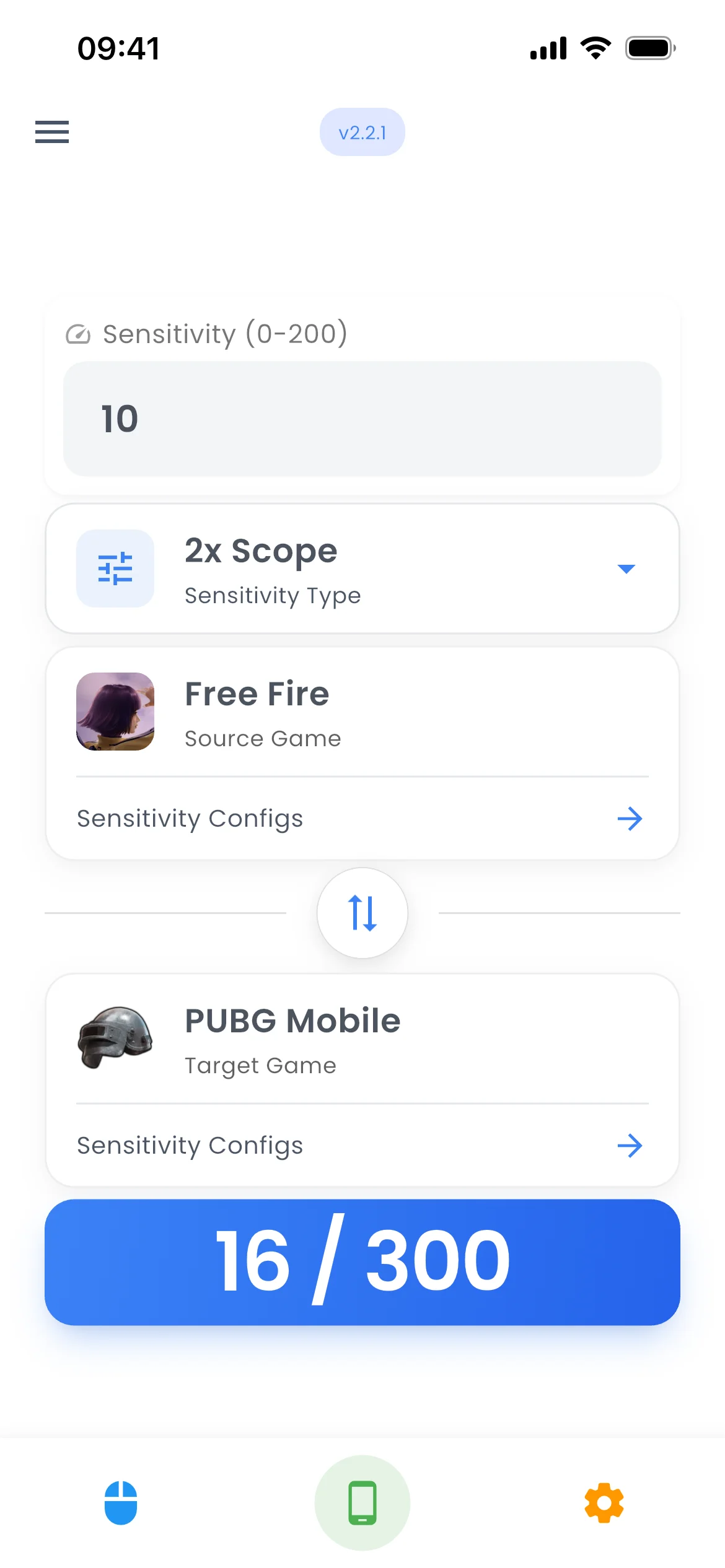
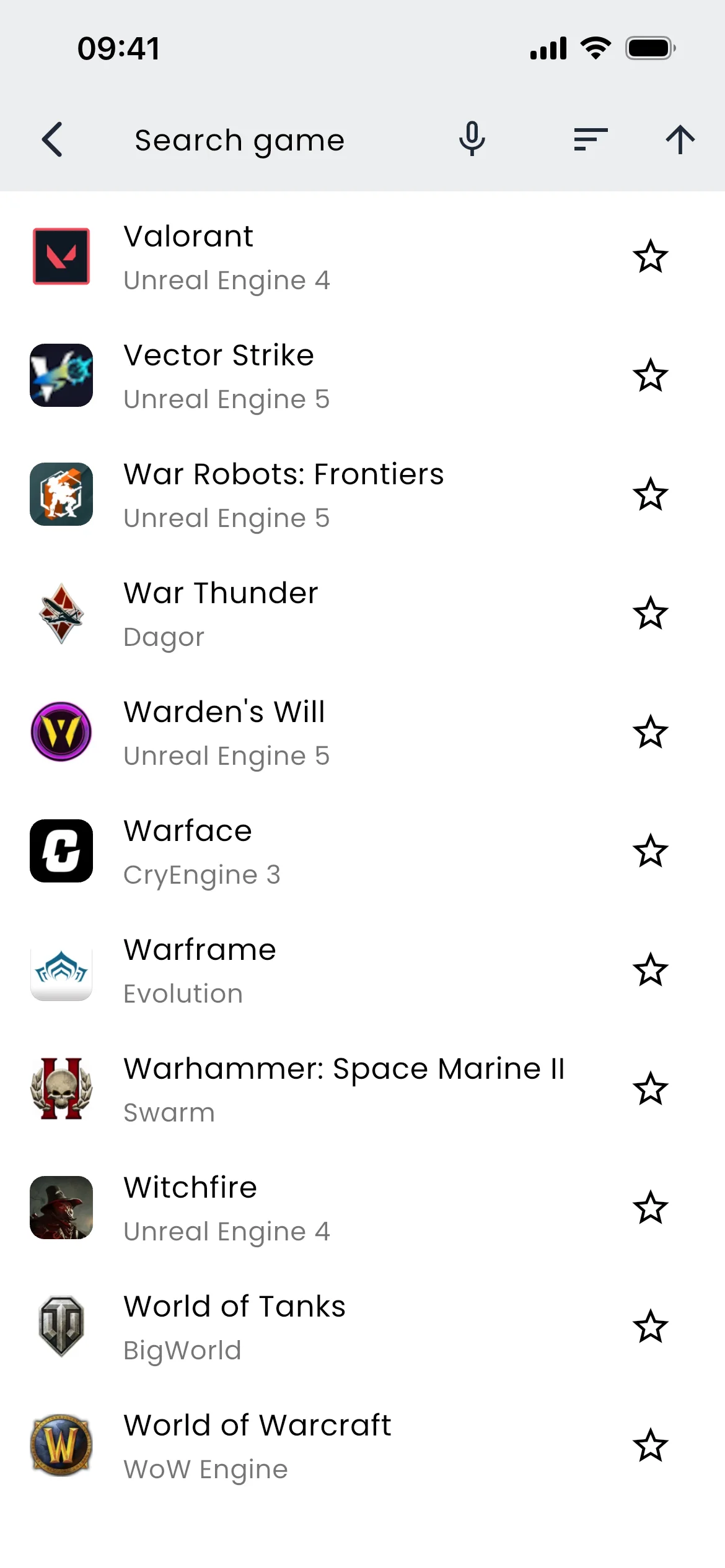
Convert aim settings between 200+ Mobile and PC games — Free Fire, PUBG Mobile, COD Mobile, and more. No spreadsheets. No guesswork.
- Free to download
- 200+ games
- PC & Mobile
- 100+ device profiles
Sound familiar?
Switched to a new game and your aim suddenly feels terrible?
Spending 30 minutes Googling sensitivity calculators between matches?
Tweaked settings for hours and still playing like it's day one?
That’s the whole app. Pick two games, enter your sensitivity, get the exact number — in about ten seconds.
Get the app →Inside the app
Every setting, already worked out for you.
Convert between games, load a config built for your exact phone, or take one the community already tuned.
Beyond conversion. Go further.
Train your aim, find your ideal settings, and build a daily habit.
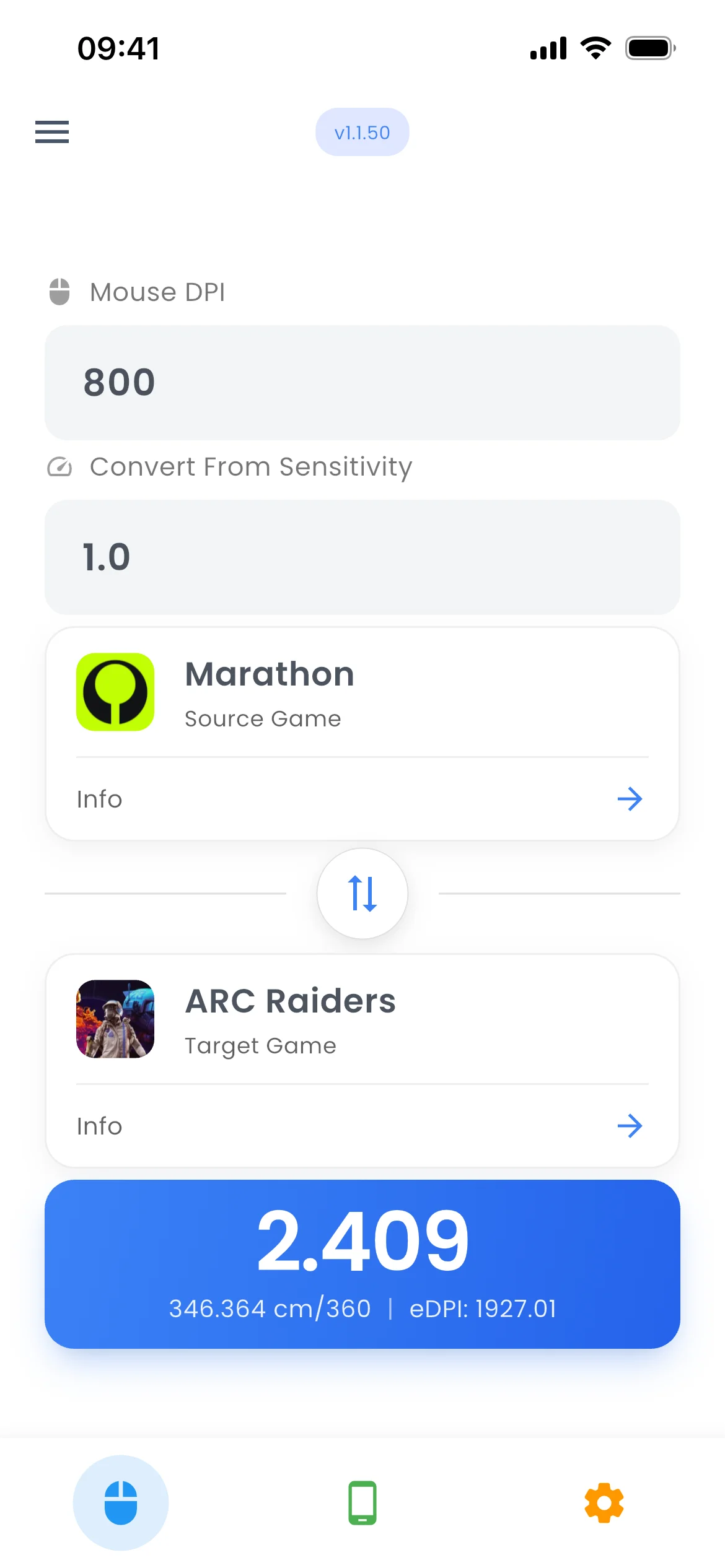
The right sensitivity in one tap.
Convert aim settings between 200+ Mobile and PC games — Free Fire, PUBG Mobile, COD Mobile, and more — using real per-game multipliers, not rough estimates.
- 200+ games
- Mobile & PC
- Accurate yaw-based math
Your phone already knows its best settings.
Auto-detects your device and loads sensitivity profiles optimised for your exact screen size and refresh rate.
- 100+ device profiles
- iPhone, iPad & Android
- Grip & hand size support
Settings trusted by thousands of players.
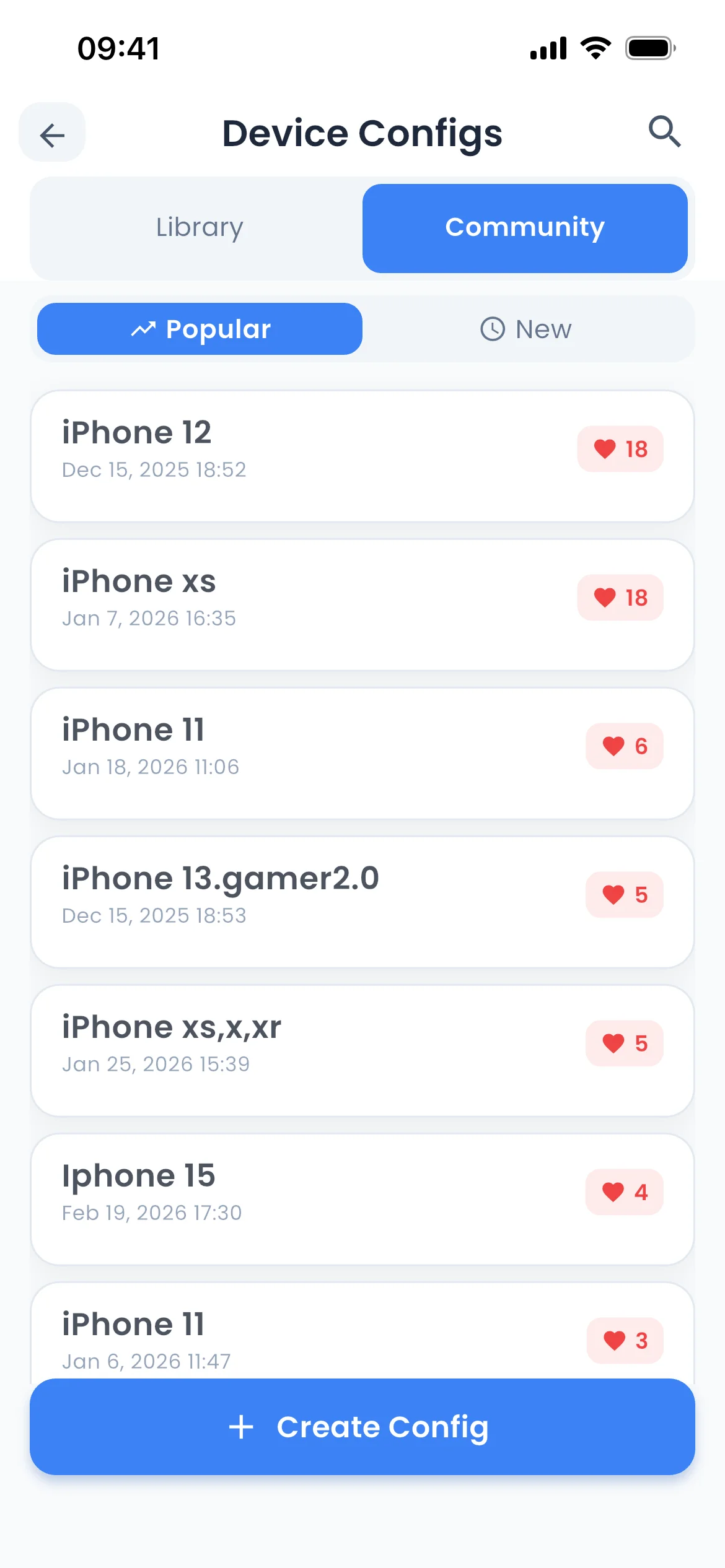
Browse sensitivity configs created and voted on by the community. Most-liked configs rise to the top.
- Browse Popular or Newest
- Like system
- Apply any config instantly
Calibrate to your exact play style.
A 3-test wizard — Follow the Dot, Quick Flick, Precision Circle — gives you a personalised sensitivity based on your grip and hand size.
- 3-stage calibration
- Grip & hand size input
- Device-specific results
Built-in aim training, no extra app needed.
Improve with aim tests, skill rankings, and performance history. Track reaction time, flick accuracy, and precision.
- 3 test types
- Skill tier ranking
- Session history & charts
Stay consistent. See yourself improve.
A streak counter, weekly calendar view, and total session history keep you motivated and coming back every day.
- Daily streak counter
- Longest streak stats
- Week-view calendar
All of it in one app. Free to download.
iPhone & iPad · iOS 17+ · Android · Free to download
FAQ
Before you download.
The questions players ask most often.
What is Game Aim Converter?
Game Aim Converter is a mobile app that helps gamers maintain consistent aim across different games. It converts sensitivity settings between 200+ Mobile and PC games — including Free Fire, PUBG Mobile, Call of Duty Mobile, and Blood Strike.
By using mathematical formulas based on game-specific yaw values, it ensures your muscle memory stays consistent when switching between games.
How does sensitivity conversion work?
For PC games: we use the formula (Source Sensitivity × Source Yaw) / Target Yaw to convert between titles. Each game has a unique yaw value that determines how sensitivity translates to in-game rotation.
For mobile games: we use normalized conversion algorithms with game-specific conversion factors. Mobile games support different sensitivity types including Camera, ADS (Aim Down Sight), Red Dot, and various scope magnifications (2x–8x).
What's the difference between Free and Premium?Premium
Premium unlocks:
- 200+ games: access to all Mobile and PC titles (Free: 7 popular games)
- Device Calibration: AI-powered personalised sensitivity optimization with grip style, hand size analysis and performance tests
- Full Device Configs: see every sensitivity type for every device — Camera, ADS, all scopes (Free: first 2 types only)
- Full Community Configs: unlock every community-shared config with all sensitivity types visible
- Copy all settings: one-tap copy of all device sensitivities
- Priority support: faster response times and dedicated assistance
- Early access: be the first to try new features and game additions
- Support development: help us improve the app and add more features
What are Device Configs?
Device Configs are optimal sensitivity settings tailored specifically to your phone or tablet model. We maintain a database of 50+ popular devices including Samsung Galaxy, Xiaomi, Redmi, OnePlus, Sony, Oppo, Realme and more.
Each device configuration includes:
- Screen size: diagonal screen measurement (e.g. 6.5", 6.7")
- Display type: AMOLED, IPS LCD, Super AMOLED, Dynamic AMOLED
- Refresh rate: 60Hz, 90Hz, 120Hz or 144Hz
- Optimal sensitivities: pre-calibrated settings for all sensitivity types
The app can automatically detect your device and show a verified icon next to it. Tap your device to see the recommended settings and copy them straight into your game.
What are Community Configs?
Community Configs let you discover and share sensitivity setups created by other players for your exact phone or tablet.
How to open: Mobile Games tab → Device Configs → switch to the Community tab.
What you can do:
- Browse: see configs shared by the community, sorted by Popular (most likes) or New (most recent)
- Like: tap the heart on any config you find useful — this boosts it in Popular sorting and notifies the author
- Share yours: publish your own tuned settings for your device so others can benefit
- Notifications: a bell icon shows when your shared configs receive new likes
Tip: Community Configs are a great starting point if your device isn't in the built-in Device Configs list — chances are someone with the same phone has already dialled in good settings.
Can I convert between PC and mobile games?
PC to mobile conversion is not directly supported, because:
- PC games use mouse input with DPI and sensitivity values
- Mobile games use touch controls with different measurement systems
- Screen size and touch mechanics differ fundamentally from mouse movement
You can, however, convert between different mobile games to keep touch sensitivity consistent across titles. In addition:
- Device Configs: use device-specific settings to find the optimal sensitivity for your phone or tablet
- Calibrate (Premium): create personalised AI-optimized settings based on your grip style, hand size and aim performance
Your next game is already dialled in.
Convert once, play like you never switched. 200+ games, free to download.
iPhone & iPad · iOS 17+ · Android · Free to download